




















How to Create an Account
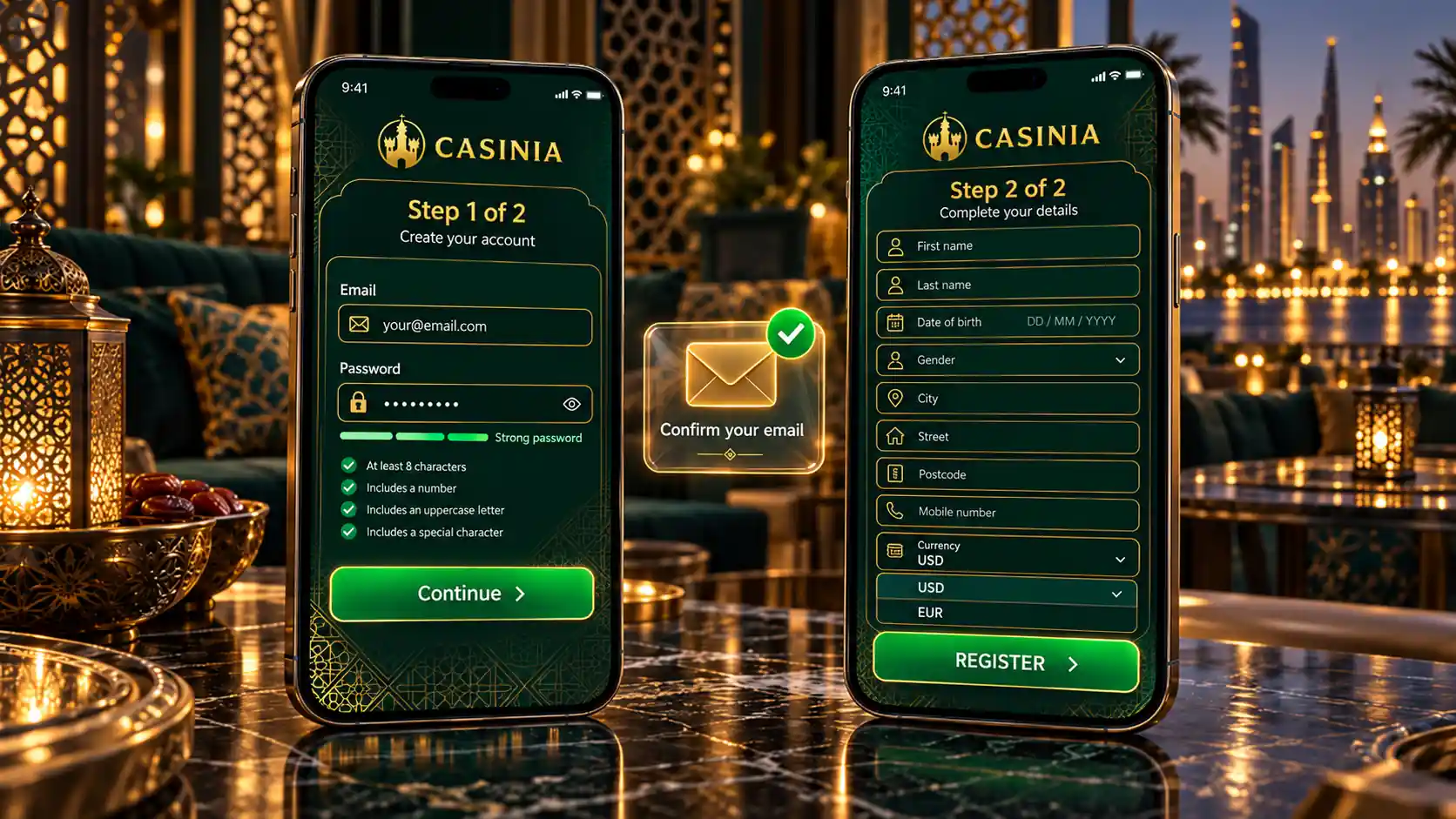
You’ll find the Register button next to Log in at the top of every page. According to the Privacy Notice, registration involves your email address, full name, date of birth, country, postal code, phone number, gender and a username of your choice, and your IP address and location are recorded automatically at that moment. The exact layout of the form isn’t described in the Help Centre and can change, so treat the form itself as the final word. Before you fill it in, it helps to know the rules that come with an account – they’re in the general terms, and they’re stricter than most people expect.
| Rule | What the terms say |
| How many accounts | One per person, household or address, phone number, email and IP address |
| Whose name | Your own, correct name; details must be kept up to date |
| Duplicate accounts | May be closed, with promotions cancelled and winnings voided |
| Your login details | Must be kept confidential; anything done with them counts as done by you |
| Selling or transferring | Not allowed |
| Long inactivity | After 180 days without a login, a monthly fee of $5 may be charged |
The household rule deserves a second look if you share a home or a connection with someone who already has an account. And because your details will later be compared with your documents, it’s worth typing your name and date of birth exactly as they appear on your passport or ID. Have that document beside you when you register – it makes the whole thing easier.
How to Log In
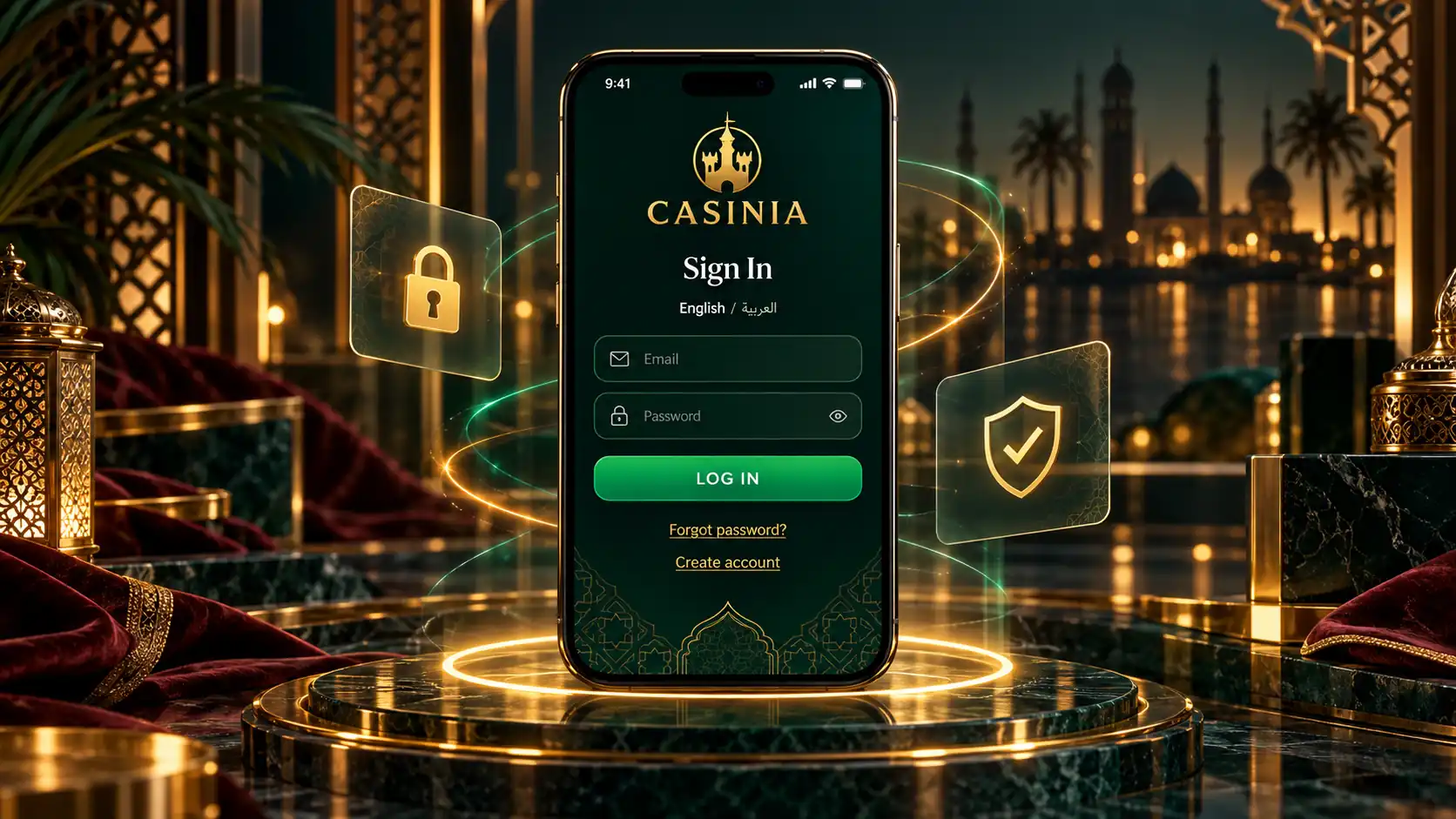
Logging in is the simple part. You press Log in at the top of the page, enter your username or the email address you registered with, then your password – the Help Centre sometimes calls it a PIN – and confirm. That’s the only method the official site describes; there’s no mention of signing in through a social network or with a one-time code. The same login works for the casino, the live casino and the sportsbook, so there’s nothing separate to set up.
If it doesn’t work first time, it’s usually something small. The password is case-sensitive, so the Help Centre suggests checking that Caps Lock is off and that the username or email is typed correctly. If you’ve changed your password recently and still can’t get in, clearing your browser’s cookies and cache, or trying a different browser, often does the trick. And if none of that helps, support will look into it – they ask for a screenshot of the error message, which honestly saves a lot of back-and-forth. One more thing, since the terms treat anything done with your login as done by you: on a shared computer, don’t let the browser remember your password.
Password Recovery and Account Access
Forgetting a password happens to everyone, and the way back is short. The Help Centre describes it like this:
- Open the login window and choose the forgot password option;
- Enter your registered email address in the pop-up that appears;
- Open the email you receive and follow it to set a new password;
- If no email arrives, contact support, who will send a new password to that same address.
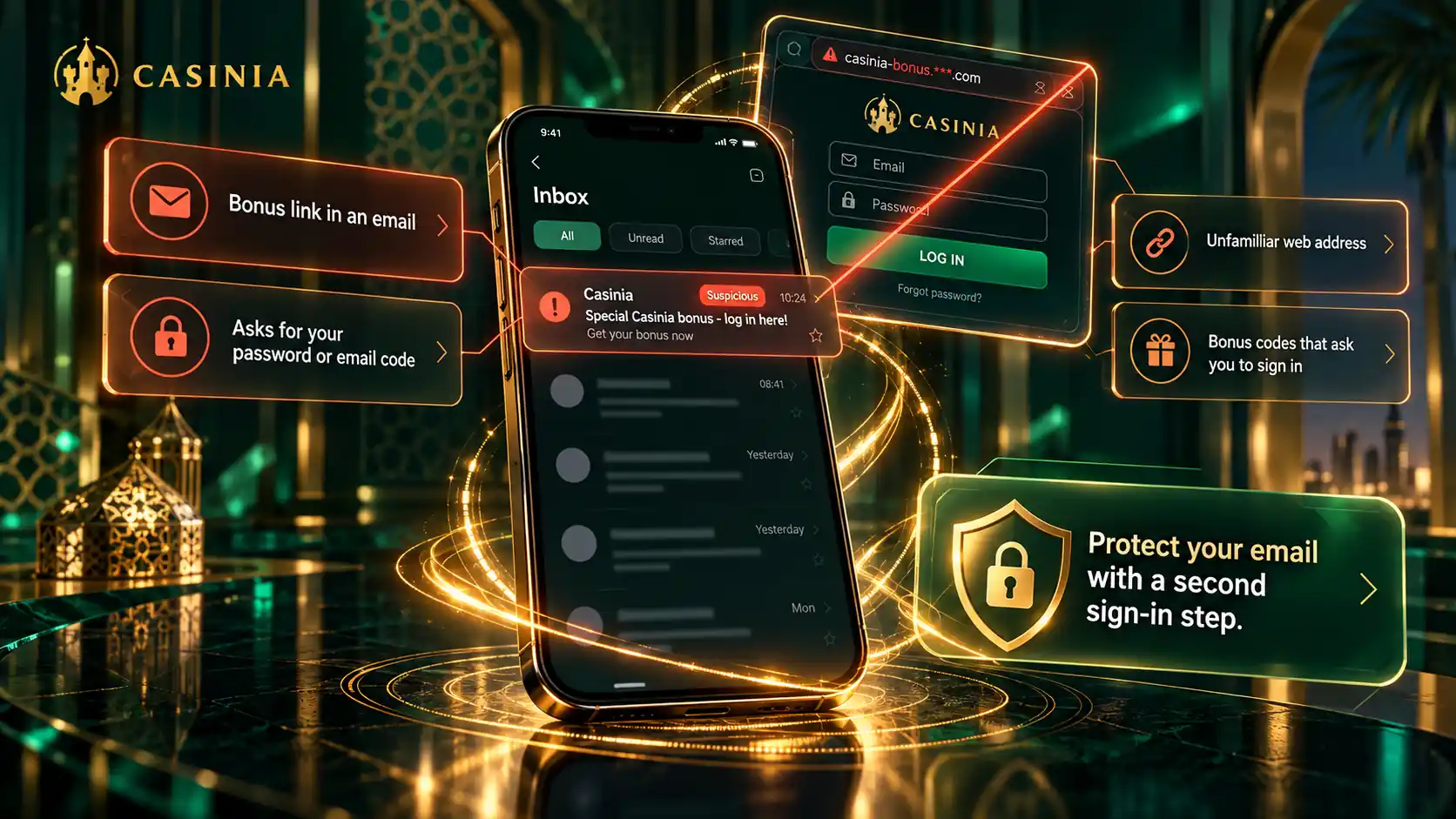
You’ll notice that every route leads through your registered email. That’s worth taking seriously: if you lose access to that mailbox, or someone else can read it, getting back into your account becomes a conversation with support instead of a two-minute fix. A forgotten username or registered email is handled by support too, and so is any change to your personal details. If you ever want to close the account, the terms say you can ask by email at any time – but only once the balance is at zero and no withdrawals are pending, otherwise the remaining funds are voided. So withdraw first, then close. It’s a good idea to check now that your registered mailbox is secure and that you can actually get into it.
Verification and Account Security
Sooner or later you’ll be asked to verify your account, and it’s nothing to worry about – it’s how the operator confirms your age and identity and meets its anti-money-laundering duties. It can happen before or after a deposit, and the terms allow payments to be held until it’s done. These are the documents the Help Centre says may be requested, though it notes the list isn’t exhaustive:
- a valid identity document, clearly legible and not expired;
- proof of residence, issued within the last three or six months;
- proof that the payment methods you’ve used are yours;
- statements showing your recent transactions, usually for the last one to three months.
On timing, the two official sources say slightly different things, so we’ll give you both. The Help Centre says that once everything has been received, the check typically takes 24 to 48 hours. The general terms say documents are usually verified within ten days, and that you have 30 days to send what’s been asked for, after which the account can be suspended or closed. The terms also mention that extra checks, such as a phone call or face verification, may be used. As for security in general, the operator states that sensitive data is encrypted and that customers’ funds are kept in separate client accounts. Your part is simpler: a password you don’t use anywhere else, and clear copies of your documents ready before your first withdrawal.
Mobile Login and Support
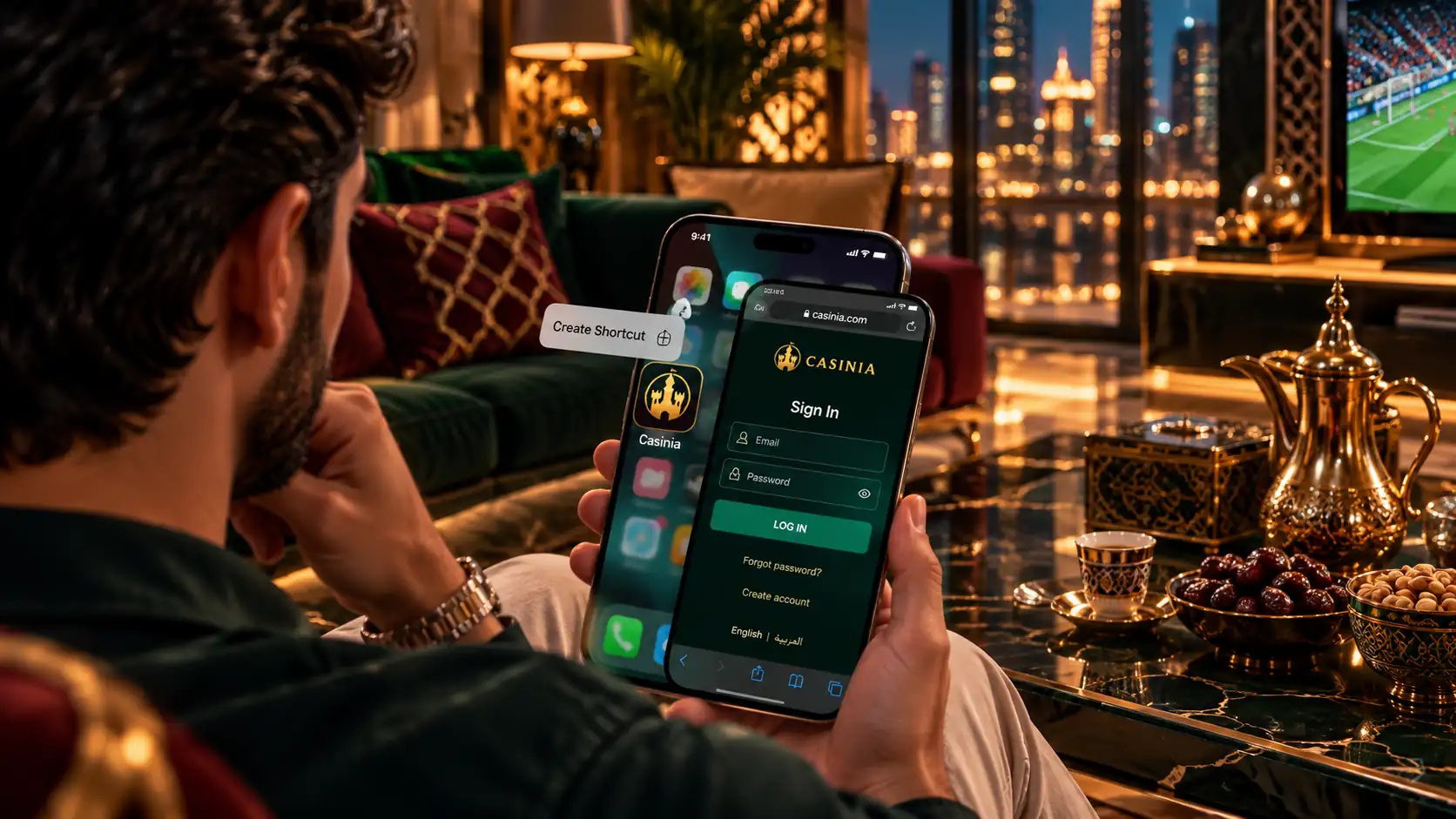
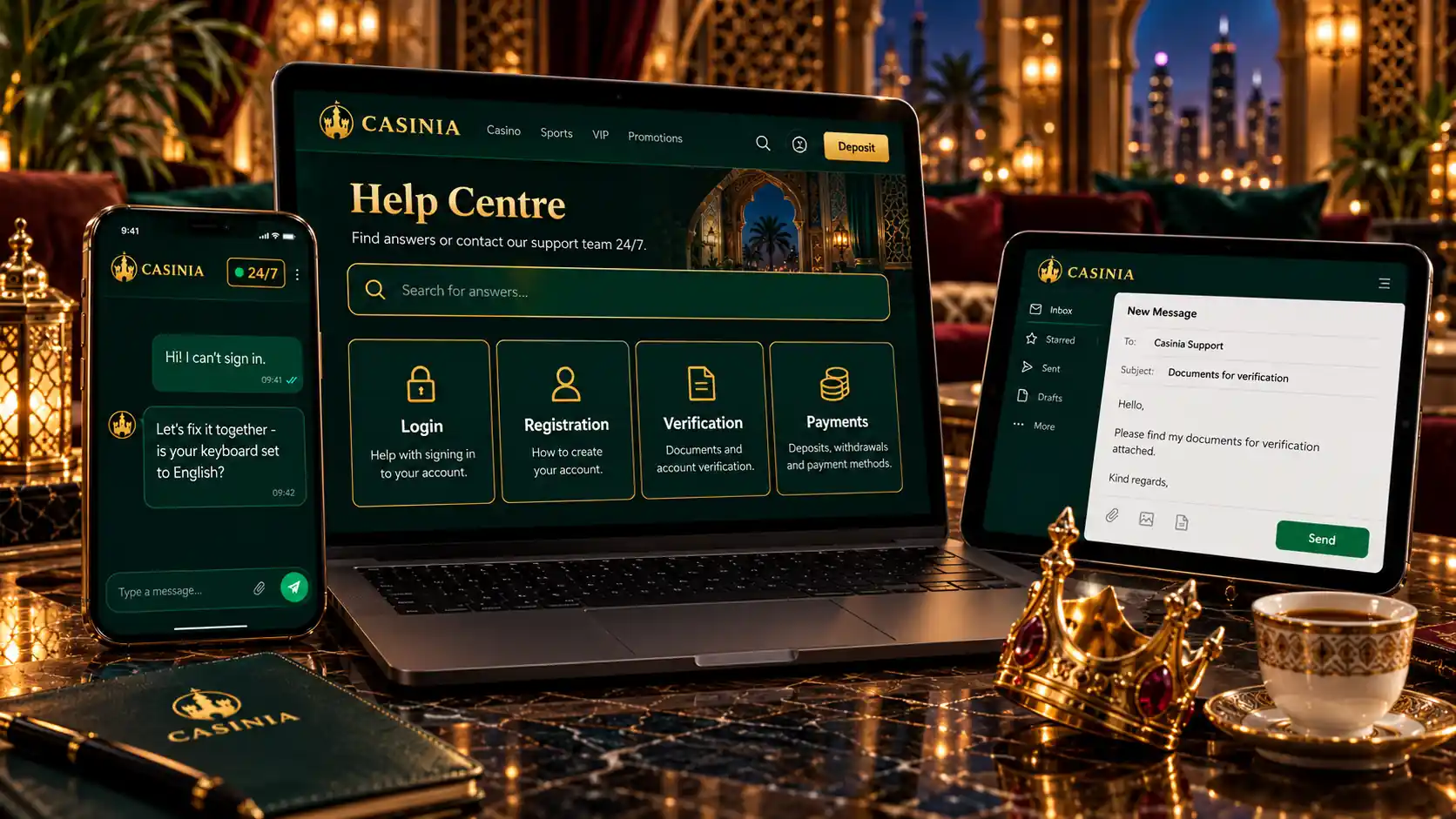
On a phone or tablet, you log in exactly as you would on a computer – same button, same username or email, same password, same account. For convenience, the official site offers a home-screen shortcut, created from its Create Shortcut page: on Android through the browser menu and Add to Home screen, on iPhone and iPad through the share icon. It doesn’t describe an app in an app store, so if you come across a download offered under that name somewhere else, it’s wise to leave it alone.
If you get stuck at any point, help is close. Live chat runs 24 hours a day, email goes to [email protected], and the Help Centre has a whole section on accounts and verification. The same team will arrange a break or self-exclusion if you ever need one, because, as the operator itself puts it, gambling can be addictive and nothing about it is guaranteed. Before you register, please confirm that this kind of activity is permitted where you live. And if you do go ahead, save the support address somewhere on day one – it’s the sort of thing you’re glad to have when you need it.